Table of Contents
- Why Recycling Old Electronics Matters
- Where to Recycle Electronics Near You
- How to Prepare Electronics for Recycling
- How to Recycle Computers the Right Way
- How to Recycle Old TVs Without a Headache
- Repair, Resell, or Donate Before You Recycle
- Handling Batteries and Hazardous Components
- What Happens After Collection
- Frequently Asked Questions
Last Updated: October 18, 2026
Why Recycling Old Electronics Matters
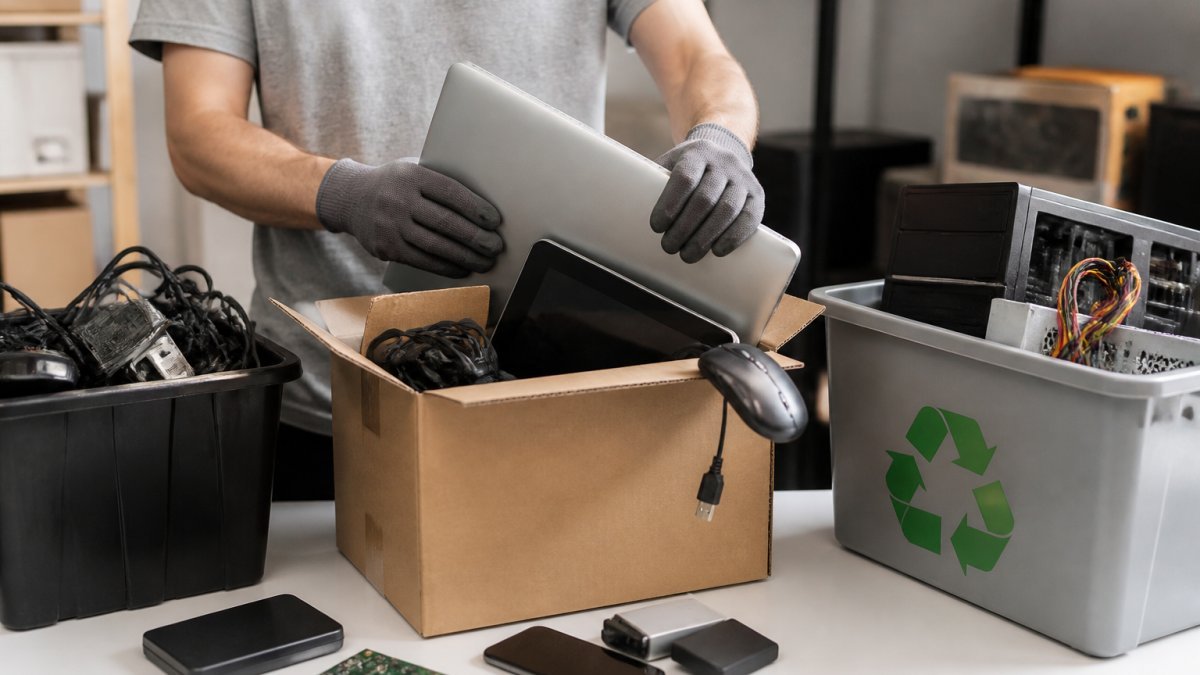
Old electronics pile up fast. A drawer full of dead phones, a garage shelf of CRT monitors, a laptop that won’t boot. Learning how to recycle old electronics keeps toxic materials out of landfills and puts valuable metals back into the supply chain.
E-waste is any discarded device with a plug, battery, or circuit board. That covers far more than most people realize.
What Counts as E-Waste
The list is longer than the junk drawer suggests:
- Computers, laptops, and tablets
- Monitors and flat-panel TVs
- Printers, scanners, and routers
- Cell phones and chargers
- Cords, cables, and power adapters
- Small kitchen appliances
- Home theater equipment and portable DVD players
- Batteries and anything with a built-in battery
Older CRT televisions and desktop computers deserve special attention. They contain leaded glass and heavy metals. Many states ban them from regular trash outright. Check your state regulations before you set anything at the curb.
Never toss a device with a lithium-ion battery into your household trash (the EPA). Damaged batteries can spark fires in garbage trucks and landfills. Remove or tape the terminals before transport.
Where to Recycle Electronics Near You
Finding a drop-off location takes about five minutes if you know where to look.
Step 1: Check your county’s solid waste department website. Most maintain a recycling directory listing collection sites, hours, and accepted items. This is the fastest free option for households with a few devices.
Step 2: Match the device to the channel.
- Phones, tablets, cables, chargers: retail take-back counters and manufacturer mail-back programs. Usually free, no appointment needed.
- Laptops and desktops: municipal drop-off, retail take-back, or manufacturer mail-back. Free at most programs.
- Flat-panel TVs and monitors: municipal programs or private recyclers. Expect limits and possible fees.
- CRT TVs and bulky items: private recyclers or scheduled municipal collection events. Fees are common.
- Batteries and hazardous components: separate drop-off, see the battery section below.
Step 3: Confirm eligibility before you drive. Rules vary by site and change often. Ask three questions: Do you take this device type and size? Is there a fee?
Retail Take-Back and Mail-Back Programs
Many national retailers accept old electronics at the customer service desk, often free for small items like phones, tablets, and cables. Some charge a recycling fee for larger televisions or monitors. Policies differ by store and by state, so check the retailer’s electronics recycling page for the specific location before you go.
Mail-back programs work well for phones and laptops. The manufacturer sends a prepaid box or shipping label, you ship the device, and the recycler handles the rest. For a single device, this is often the easiest path, no car trip, no counter line.
Municipal and Community Collection Options
County and city programs fall into three patterns:
- Permanent drop-off centers with set hours and accepted-item lists.
- Seasonal collection events, often the only free route for TVs and CRTs. Check your county calendar in spring and fall.
- Curbside pickup in some jurisdictions, usually by appointment and often limited to small devices.
Household hazardous waste facilities handle batteries, toner, and items with refrigerant. Your regular curbside program will not.
Business vs. Household Eligibility
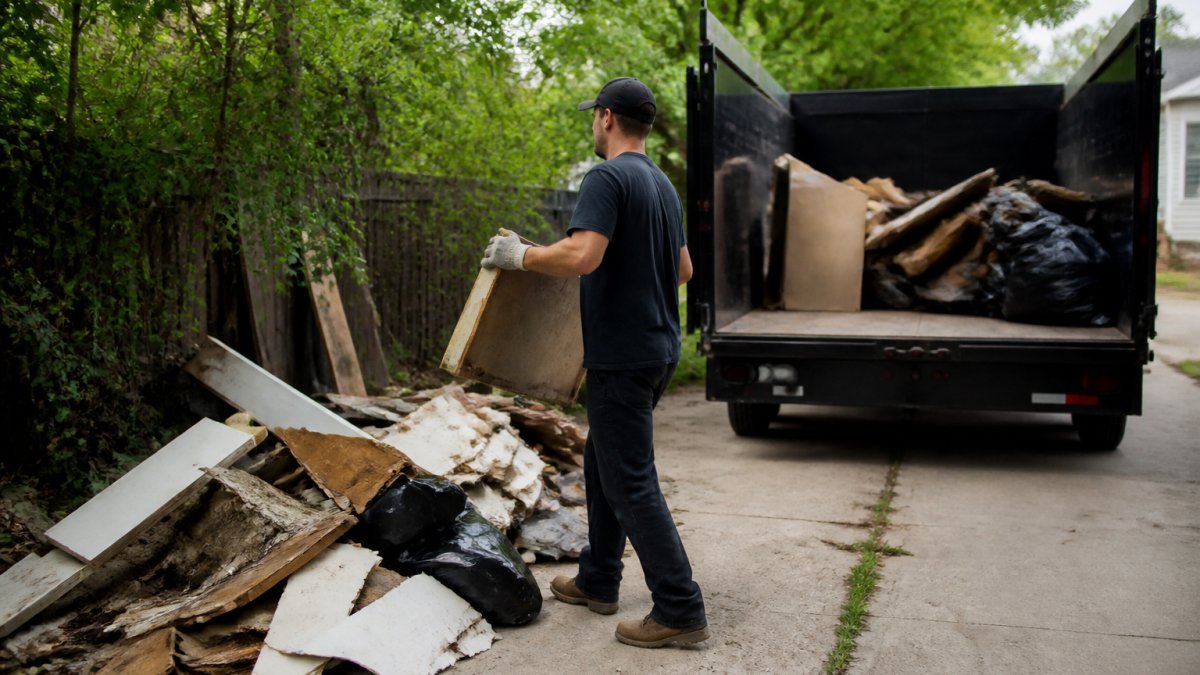
Many municipal programs serve households only. If you’re clearing out an office, a rental property, or a storage unit, confirm whether the site accepts business volumes, and whether you need to schedule a pickup instead of a drop-off. Private recyclers and full-service haulers are usually the practical route for larger volumes.
Ask any recycler for their R2 or e-Stewards certification. These third-party standards require audited, responsible disposal. A recycler who can’t name their certification is probably shipping waste overseas.
For a garage full of electronic waste, hauling it yourself gets old fast. That’s where a full-service option earns its keep.
How to Prepare Electronics for Recycling
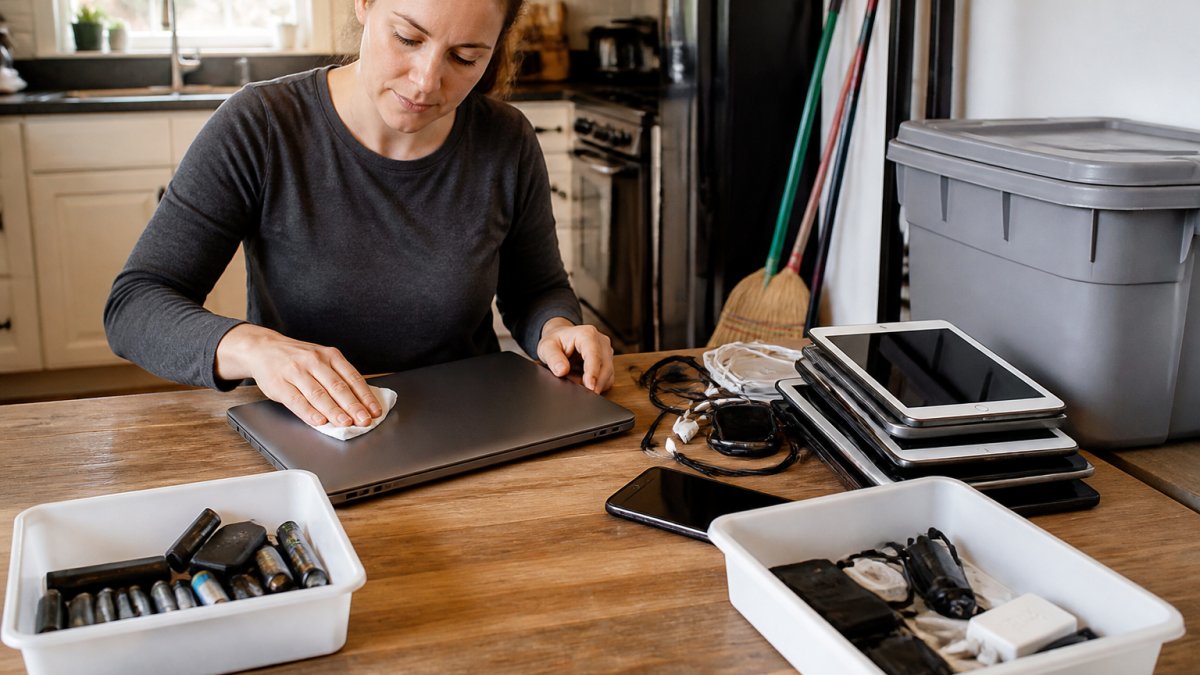
Preparation takes ten minutes and prevents two problems: data theft and rejected drop-offs. Follow these steps before anything leaves your house.
- Back up photos, files, and contacts to an external drive or cloud account.
- Sign out of every account, including email, cloud storage, and app stores.
- Factory reset each device using its settings menu.
- Remove memory cards, SIM cards, and USB drives.
- Wipe the drive on computers with a data-erasure tool.
- Unplug and bag cords separately from devices.
- Tape battery terminals with clear tape.
- Label anything with a cracked screen or swollen battery.
Deleting Personal Data Before You Hand Anything Over
A factory reset is not always enough. On older hard drives, deleted files can linger. Use a free disk-wiping utility that overwrites the drive multiple times.
For phones, encryption plus a factory reset is solid on modern models. For anything you can’t power on, ask the recycler about their data deletion process. Reputable ones destroy drives physically.
Sensitive information deserves extra care. Remove the hard drive from an old desktop computer and destroy it yourself if the device held financial or medical records.
How to Recycle Computers the Right Way
Computers are the easiest category to recycle well. Desktop computers and laptops are accepted almost everywhere, and most programs take them free.
The catch is the hard drive. Pull it first if you want certainty about your personal data. Then:
- Take the tower or laptop to a retail take-back counter
- Drop it at a public recycling center
- Use a manufacturer mail-back program
- Donate it if it still runs
According to the Environmental Protection Agency’s electronics donation and recycling guidance, reuse is preferred over recycling whenever a device still works. A working laptop given to a charity beats one melted down.
How to Recycle Old TVs Without a Headache
Televisions are the hardest item on this list. Flat-panel TVs contain fragile screens and circuit boards. Old CRT televisions contain leaded glass and weigh a ton.
Most municipal programs accept TVs but limit how many per visit. Many retail take-back counters no longer take them. Expect a recycling fee at private recyclers, since TV recycling costs more than the recovered materials are worth.
Call before you load one into the car. Ask three questions: Do you take this size? Is there a fee? Do you accept cracked screens?
TVs are the one category where paying a small fee is normal and fair. Free TV recycling exists, but it’s usually tied to occasional collection events. Check your county calendar first.
Repair, Resell, or Donate Before You Recycle
Recycling should be your last stop, not your first. A surprising number of “broken” devices need a new battery or a $20 part.
Ask yourself three questions:
- Does it power on? Repair or resell it.
- Is it under eight years old? Someone will buy it used.
- Does it work but sit unused? Donate it.
Local charity shops, school districts, and community centers often take working electronics. Some offer donation receipts for tax records. Just confirm the organization actually wants the item before you drop it off.
Handling Batteries and Hazardous Components
Batteries cause more recycling problems than anything else. Lithium-ion packs power most modern devices, and they are a fire risk when crushed, punctured, or overheated. The competitive gap here is real: most guides say “tape the terminals” and stop. This section goes device by device.
Device-by-Device Battery Handling
- Loose batteries (AA, AAA, button cells): tape the terminals with clear tape, bag them separately, and take them to a battery drop-off or household hazardous waste site. Do not mix them in with devices.
- Phones and tablets: if the battery is removable, take it out and treat it as a loose battery. If it’s sealed and the device still powers on, a factory reset is enough before recycling, the recycler handles the pack.
- Laptop batteries: remove only if the manufacturer’s instructions allow it. Many modern laptops have sealed packs; leave those in place and tell the recycler the device contains a lithium-ion battery.
- Swollen or damaged batteries: this is the highest-risk category. Do not puncture, do not charge, and do not leave it in a hot garage. Place it in a metal container away from anything flammable and get it to a drop-off site promptly.
- E-bike and power-tool batteries: these are larger and higher-energy than phone batteries. Many municipal programs will not take them. Use a dedicated battery recycler or the retailer where you bought the pack.
Storing Batteries Safely Before Drop-Off
A common pattern among recyclers is to ask households to store batteries in a cool, dry place, away from direct sun, and never in a junk drawer with loose metal. Tape terminals before storage, not just before transport. Keep damaged batteries isolated from good ones.
Other Hazardous Components
Beyond batteries, these items need separate handling:
- Toner cartridges and printer ink: many office-supply retailers run take-back programs; otherwise use household hazardous waste.
- Appliances with refrigerant (refrigerators, freezers, air conditioners): these require certified recovery of the refrigerant. A private recycler or your municipal program handles them, curbside will not.
- CRT glass: contains leaded glass and is handled by TV recyclers, not general drop-offs.
- Smoke detectors and thermostats: some contain small radioactive or mercury components; check with your county before disposal.
Transporting Hazardous Items
Bag batteries separately from devices. Keep damaged batteries in a rigid container, not a plastic bag. Tell the person at the drop-off counter what you’re handing over, especially if anything is swollen, cracked, or leaking. That heads off a rejected drop-off and keeps workers safe.
A swollen phone or laptop battery is a genuine fire hazard. Do not puncture it, do not charge it, and do not leave it in a hot garage. Get it to a drop-off site promptly.
What Happens After Collection
Most people hand over a box and never think about it again. Here’s the short version of what happens next.
Recyclers sort devices by hand and by machine. Batteries come out first.
Circuit boards go to refiners who recover gold, silver, and copper. Plastics get pelletized for new products.
The Occupational Safety and Health Administration’s guidance on electronic recycling hazards exists because this work carries real risks.
The responsible disposal part matters most. Certified recyclers document what happens to every component. Uncertified operations often ship waste overseas or dump it.
For homeowners in the Indianapolis area facing a basement or garage packed with old electronics, doing it yourself means multiple trips and multiple fees. We recycle, reuse or donate up to 60% of what we haul, and we offer free on-site estimates so you know the cost before we start.
Frequently Asked Questions
What is the best way to dispose of old electronic devices?
The best approach is reuse first, then recycle. If a device still works, donate it or sell it. If it is broken, wipe your personal data, remove batteries, and take it to a certified recycler, a retail take-back program, or a local collection site. Never put electronics in curbside trash, because many states ban e-waste from landfills and the components inside can leach hazardous materials.
Where can I recycle electronics near me?
Start with your county’s solid waste district or municipal recycling directory, which lists community drop-off events and permanent collection sites. Retailers with take-back programs accept many devices, and manufacturers often run mail-back options. Before you drive anywhere, call ahead to verify the site is accepting your specific item and ask about any fees or daily item limits.
How do I prepare electronics for recycling?
Back up your files, sign out of accounts, and perform a factory reset on phones, tablets, and computers. Remove SIM cards, memory cards, and any removable batteries. Delete personal data from smart devices and game consoles too. Then bundle cables and accessories with the device so the recycler can process them together, and keep batteries separate if your site requires it.
Does Best Buy still take electronics to recycle?
Best Buy runs a nationwide take-back program at most stores, accepting items like computers, TVs, and small appliances, though rules vary by location and some items carry a fee. Check the store’s current accepted-items list before you go, since policies change. Other retailers and manufacturer mail-back programs offer similar options if the nearest store is inconvenient.
Old electronics take up space and hold data you’d rather not lose. The right plan is simple: back up and wipe your devices, check for a local drop-off location, and choose a certified recycler you trust. If the pile is bigger than your car can handle, let Hoosier Junk Daddy do the hauling. We offer same-day service when possible and transparent pricing with no surprises. Get your free quote today and clear that garage for good.