Last Updated: November 4, 2026
Quick Summary
Eco-friendly disposal of old electronics means first wiping personal data, then sorting devices by condition and type. Working items can be donated or traded in, while broken ones go to a certified recycler or a free take-back program. Damaged batteries need special handling and should never go in curbside bins.
- Wipe personal data from phones, laptops, and drives before handing them off
- Sort devices into working, broken, and large items first
- Never put swollen or leaking batteries in curbside or standard e-waste bins
- Confirm a recycler holds a current certification such as R2 or e-Stewards
- Donate working electronics to schools, libraries, or nonprofit refurbishers
Table of Contents
- Why Eco-Friendly Electronics Disposal Matters
- Step 1: Sort Your Electronics by Type and Condition
- Step 2: Wipe Personal Data and Prepare Each Device for Recycling
- Step 3: Remove Batteries and Handle Damaged Devices Safely
- Step 4: Find Free Drop-Off and Take-Back Locations
- Step 5: Donate Working Electronics and Learn How to Dispose of an Old TV
- Booking Your Electronics Removal With Hoosier Junk Daddy
- Frequently Asked Questions
Why Eco-Friendly Electronics Disposal Matters
Old electronics are one of the fastest-growing waste problems.
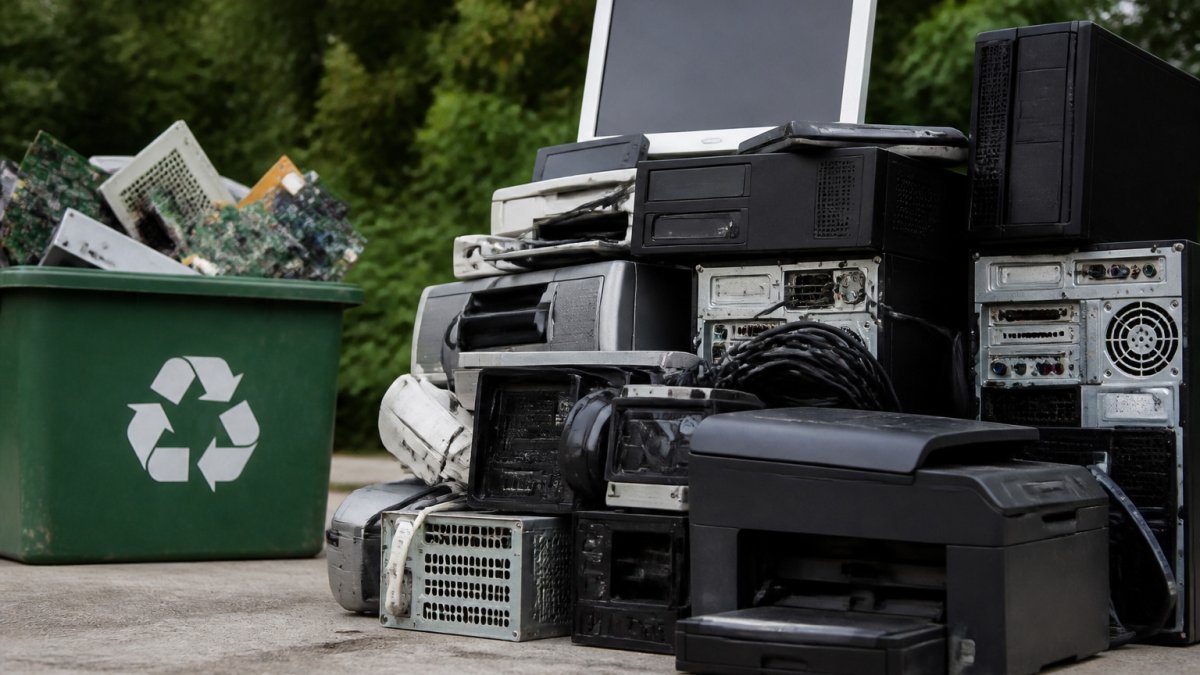
Old TVs, dead laptops, and tangled cables often pile up in garages and basements, and many people are not sure what to do with them.
Here is a simple way to think about it. Every device you recycle properly is one less device that breaks down in a landfill. This guide walks you through how to do that step by step.
Step 1: Sort Your Electronics by Type and Condition
Start by sorting everything into three piles:
- Working devices: Phones, tablets, laptops, and small appliances that still run
- Broken devices: Items that will not turn on or have cracked screens
- Large items: TVs, monitors, printers, and old appliances
Sorting first saves time later. Working devices can often be donated or resold. Broken devices go to a recycler. Large items may need a pickup service or a special drop-off.
Keep cables, chargers, and remotes with their devices when you can. Recyclers need them to test and process the equipment.
Step 2: Wipe Personal Data and Prepare Each Device for Recycling
Personal data is the biggest risk when you get rid of old electronics. Old phones, laptops, and hard drives can hold bank logins, photos, emails, and saved passwords.
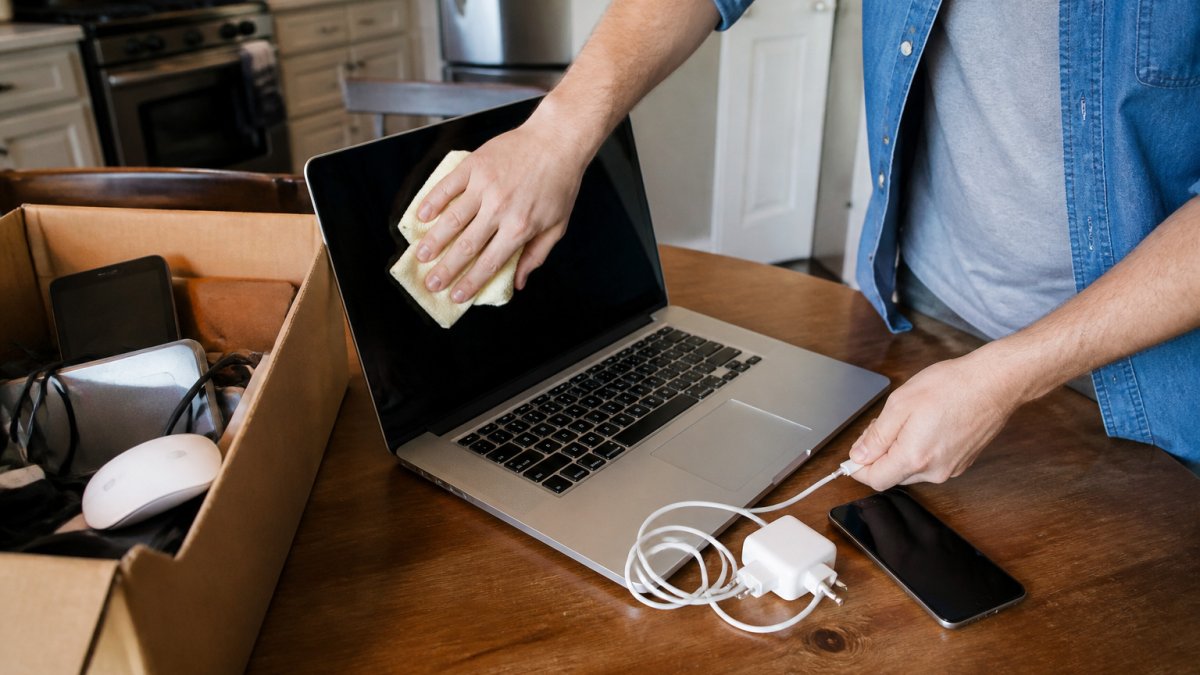
Device-by-Device Preparation Checklist
Use this checklist before you hand off any device:
- Phones and tablets: Sign out of all accounts, remove the SIM card and memory cards, then run a factory reset
- Laptops and desktops: Sign out of cloud accounts, deauthorize software licenses, and wipe the hard drive with the built-in reset tool
- Hard drives and USB drives: Use a data-wiping tool or physically destroy the drive if it contained sensitive files
Back up anything you want to keep before you wipe. Once a factory reset runs, the data is gone.
Step 3: Remove Batteries and Handle Damaged Devices Safely
Lithium-ion batteries can be a fire risk, and the risk is not limited to the recycling facility. A damaged battery can ignite in a junk drawer, a garage bin, or the back of a truck. The guidance below applies whether you are recycling, donating, or handing a device to a pickup service.
Why Damaged Batteries Are Different
A lithium-ion battery contains a flammable electrolyte and stores energy even when the device is off. When the cell is punctured, crushed, or internally shorted, it can enter a condition called thermal runaway, a self-sustaining heat reaction that can ignite surrounding materials and is difficult to extinguish with water. That is why a swollen phone, a laptop with a bulging case, or a device that got wet and now will not power on should never go into a curbside recycling bin, a standard e-waste drop-off box, or household trash.
Safe Handling Steps for Swollen, Cracked, or Leaking Batteries
- Do not puncture, bend, or compress the battery. Do not try to remove a swollen battery from a device yourself; the pressure needed to pry it out can rupture the cell. A professional removal service can handle damaged devices safely instead.
- Isolate the device or battery. Place it in a non-flammable container, a metal can, a glass jar, or a designated battery bag, and keep it away from paper, cloth, and other flammables.
- Store it cool and dry, away from living spaces. A garage shelf away from direct sun is better than a kitchen drawer. Do not store damaged batteries in a hot car.
Watch out: a swollen battery that is hot to the touch, hissing, or emitting a sweet chemical smell is an immediate hazard. Move it away from anything flammable, do not attempt to charge or discharge it, and contact your local household hazardous waste program or fire department non-emergency line for guidance rather than transporting it yourself.
Where Damaged Batteries and Devices Should Go
Damaged lithium-ion batteries and devices with suspected battery damage belong with a household hazardous waste program or a certified recycler equipped for battery handling, not a standard retailer kiosk, not a municipal e-waste bin, and not a junk removal load mixed with other items.
For devices with removable batteries that are in good condition, remove the battery, tape the terminals, and route the battery to a retailer or household hazardous waste site while the device goes to a recycler.
Temporary Storage Before Disposal
If you cannot drop off a damaged device right away, store it in a cool, dry location away from flammable materials, ideally in a metal container with a lid. Keep it out of reach of children and pets, and do not stack other items on top of it.
For broken devices that are bulky or hard to move, a damaged TV, a swollen laptop, or a device you are not comfortable transporting, a professional removal service can handle the pickup and route the item to a facility equipped for safe handling. Hoosier Junk Daddy can handle the safe removal of damaged appliances and devices so you do not have to lift or transport them yourself.
Damaged batteries and devices need different handling than working electronics, and the article’s guidance is easiest to scan in this summary.
| Situation | Where it should go | Key handling note |
|---|---|---|
| Swollen, cracked, or leaking battery | Household hazardous waste or certified battery-capable recycler | Never curbside, standard e-waste bin, or household trash |
| Removable battery in good condition | Retailer or household hazardous waste site | Tape the terminals before transport |
| Built-in battery in good condition | Certified recycler, device kept intact | Leave the battery in place |
| Battery hot, hissing, or smelling sweet | Local hazardous waste program or fire department non-emergency line | Do not transport it yourself |
| Damaged device too bulky to move | Professional removal service | Route to a facility equipped for safe handling |
Step 4: Find Free Drop-Off and Take-Back Locations
Most old electronics can be diverted from the trash at little or no cost, but the route you choose should depend on the device, its condition, and how much control you want over where the materials end up. The options below are listed roughly from lowest effort to highest assurance.
- Retailer take-back programs: Many national electronics retailers and office-supply stores accept small devices, ink and toner cartridges, and rechargeable batteries at in-store kiosks. Acceptance varies by store and by device size, so confirm before you load the car.
- Manufacturer programs: A number of major brands run mail-back or in-store take-back for their own products. These programs are often free for the brand’s own devices and may cover packaging and shipping.
- Municipal collection events: Cities and counties commonly host periodic household hazardous waste and e-waste drop-off days. These events are usually free for residents but may restrict quantities or exclude business-generated equipment.
How to Verify a Recycler Before You Hand Over a Device
This is the step most people skip, and it is the one that determines whether your “eco-friendly” disposal is actually eco-friendly.
Ask these questions before you commit:
- Which certification does the facility hold? When evaluating recyclers, look for widely recognized e-waste certifications such as R2 (Responsible Recycling) or e-Stewards, and confirm the certification is current. A recycler that cannot name a current certification is a recycler you should treat with caution.
- Where do materials go after sorting? A reputable operation can describe its downstream vendors, the smelters, refiners, and refurbishers that receive separated materials, and will confirm that downstream partners are also vetted. Vague answers like “we handle everything” are a warning sign.
- How is data destroyed, and is there documentation? Ask whether data destruction happens on-site or through a downstream vendor, whether drives are wiped or physically shredded, and whether you receive a certificate of destruction. For business equipment, a certificate is often a compliance requirement, not a nicety.
- Is anything exported? Responsible certification programs restrict the export of untested or non-functional equipment to developing markets. Ask directly whether whole devices or components leave the country.
- What happens to batteries and hazardous components? Lithium-ion batteries, CRT glass, and mercury-containing backlights require separate handling. A recycler that cannot explain its battery and hazardous-waste stream is not equipped for the job.
Watch out: a service that offers cash for “anything with a cord” and cannot explain its process is a common red flag. The economics of legitimate recycling rarely support paying for mixed, untested loads, so unusually generous offers often signal informal dismantling or export.
Matching the Route to the Device
- Working phones, tablets, and laptops: Donation or manufacturer trade-in usually beats recycling because reuse extends the device’s life.
- Broken small devices: Retailer kiosks and municipal events are the lowest-friction options.
- Large TVs, monitors, and printers: Certified recyclers or paid pickup are usually necessary; many curbside programs will not take them.
If you are unsure which route fits, call the recycler or program first and describe the device and its condition. A two-minute call prevents a wasted trip and, more importantly, keeps hazardous components out of the wrong stream.
Step 5: Donate Working Electronics and Learn How to Dispose of an Old TV
Working electronics have value to someone else. Donation keeps them in use longer and reduces waste.
Good donation options include schools, community centers, nonprofit computer refurbishers, and local libraries. Call ahead to confirm what they accept, since many groups have specific needs.
Old TVs need extra care. Older CRT televisions contain lead, and flat-panel TVs contain components that should not go in household trash. To dispose of an old TV:
- Confirm the set still powers on or can be refurbished before donating
- If it is broken, take it to a certified e-waste recycler or a municipal drop-off
- If it is too large to transport, schedule a pickup through a junk removal company
If you need help getting a TV or other large electronics out of the house, Hoosier Junk Daddy can take care of the heavy lifting and make sure items reach the right recycling or donation channel.
Booking Your Electronics Removal With Hoosier Junk Daddy
Sorting, wiping, and transporting old electronics takes time. If you have a garage full of devices, a basement of old TVs, or an office with outdated equipment, you do not have to do it alone.
Hoosier Junk Daddy provides residential and commercial junk removal across Indianapolis and surrounding areas. You can get free estimates for your electronics removal with a quick call or form. Call (317) 506-7943 or fill out our form for a free estimate to get started.
For questions before you book, visit our contact us page to reach us by phone or email. If you are clearing out a home, our residential junk removal services cover electronics, appliances, and furniture. Businesses with office equipment or e-waste can look at our commercial junk removal options.
Frequently Asked Questions
What is the best way to get rid of old electronics?
The best option is usually a certified electronics recycler or a manufacturer take-back program, because these routes keep hazardous components out of landfills and recover valuable materials like copper, steel, and glass. Before dropping anything off, wipe personal data, remove batteries, and check whether the item is still working. Working devices can often be donated or resold, which extends their life further. Check with your city or county for local drop-off events and accepted-item lists, since rules differ by location.
Can old TVs be recycled for free?
Many communities accept old TVs at no charge through municipal drop-off sites, household hazardous waste events, or retailer take-back programs, though some programs charge a fee for larger screens or CRT models. Policies vary by state and county, so confirm before you haul one in. Remove any stands and detach cables, and if the screen is cracked, tell the facility so staff can handle it safely. Costs and eligibility change over time, so check the current rules with your local solid waste office.
Where can I donate old electronics?
Options include local schools, nonprofit tech refurbishers, community centers, and libraries, which sometimes collect working laptops, tablets, and phones. Donated devices should power on and be in usable condition, and most organizations will not accept items with heavy damage or missing parts. Always wipe the device first and remove any accounts or activation locks. Call ahead to confirm what each group accepts, since many have strict criteria for what they can reuse.
How should I prepare a computer or phone before recycling it?
Back up anything you want to keep, sign out of accounts, and remove the device from any activation lock such as Find My iPhone or Google account links. Then perform a factory reset, and for computers, use a full-disk erase or remove the drive if you have concerns about sensitive files. Remove memory cards, SIM cards, and external accessories. Keep batteries intact unless the device is damaged, in which case follow the safety steps for removal.